Ratna Bay
A downloadable game for Windows
An endless-mine roguelite. Five to ten minutes a run.
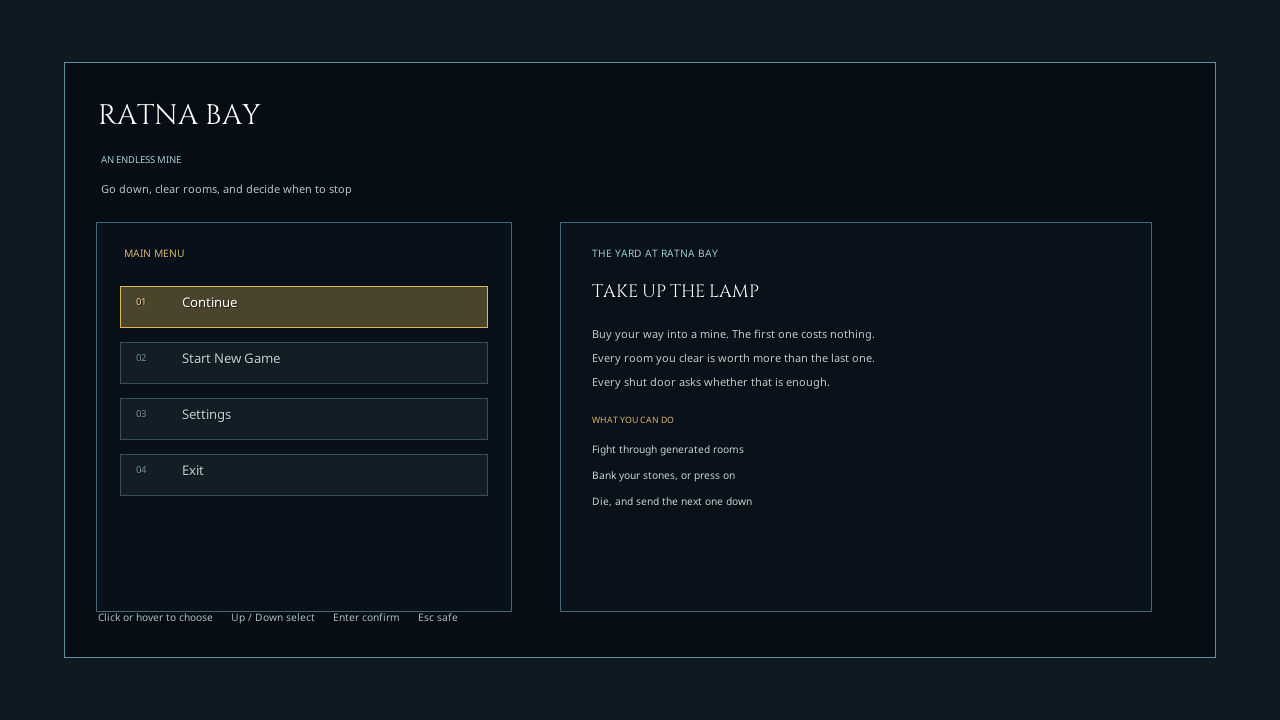
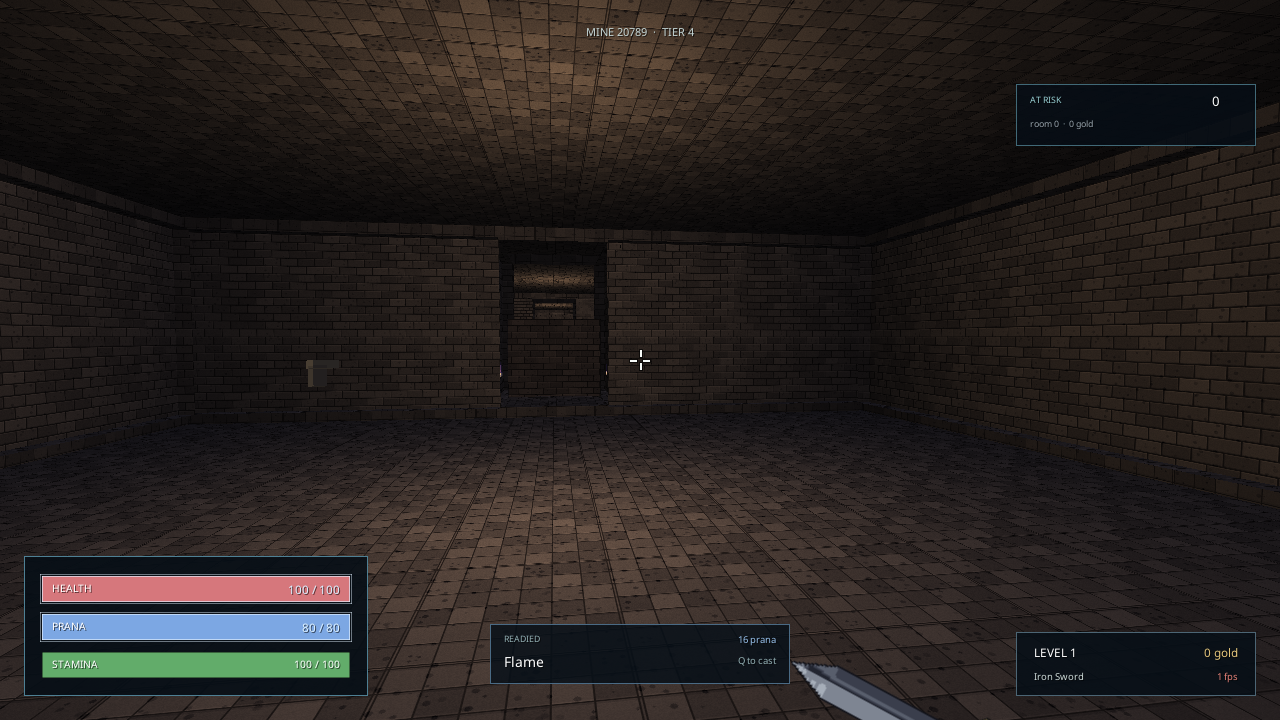
Go down. Kill what rises out of the floor. Every room you clear is worth more than the last, and every shut door asks you the same question: bank what you are holding, or open it.
Die and the stones are gone. But the next one down keeps your rank, half your pack, and knows exactly where your body is.
This is an early alpha, and there is one thing I need to know
A prototype in active development, built solo, so expect rough edges. It is public for one reason: there is a question about it I cannot answer by myself.
At the shut door — did you ever actually hesitate?
That decision is the whole game, and it is the one thing I cannot find out by watching. If it never made you stop and think, please say so. That is the single most useful sentence you can send me, and it is worth more than a list of bugs.
Other things worth a line: where you got confused, what you expected a key to do that it did not, and the room number you died in.
Answer it in the two-minute form — twelve questions, one required, no account needed. Answer only the first if that is all you have time for; it is the one that matters.
If you would rather write it out: feedback@datathecodie.com, or leave a comment below.
The loop
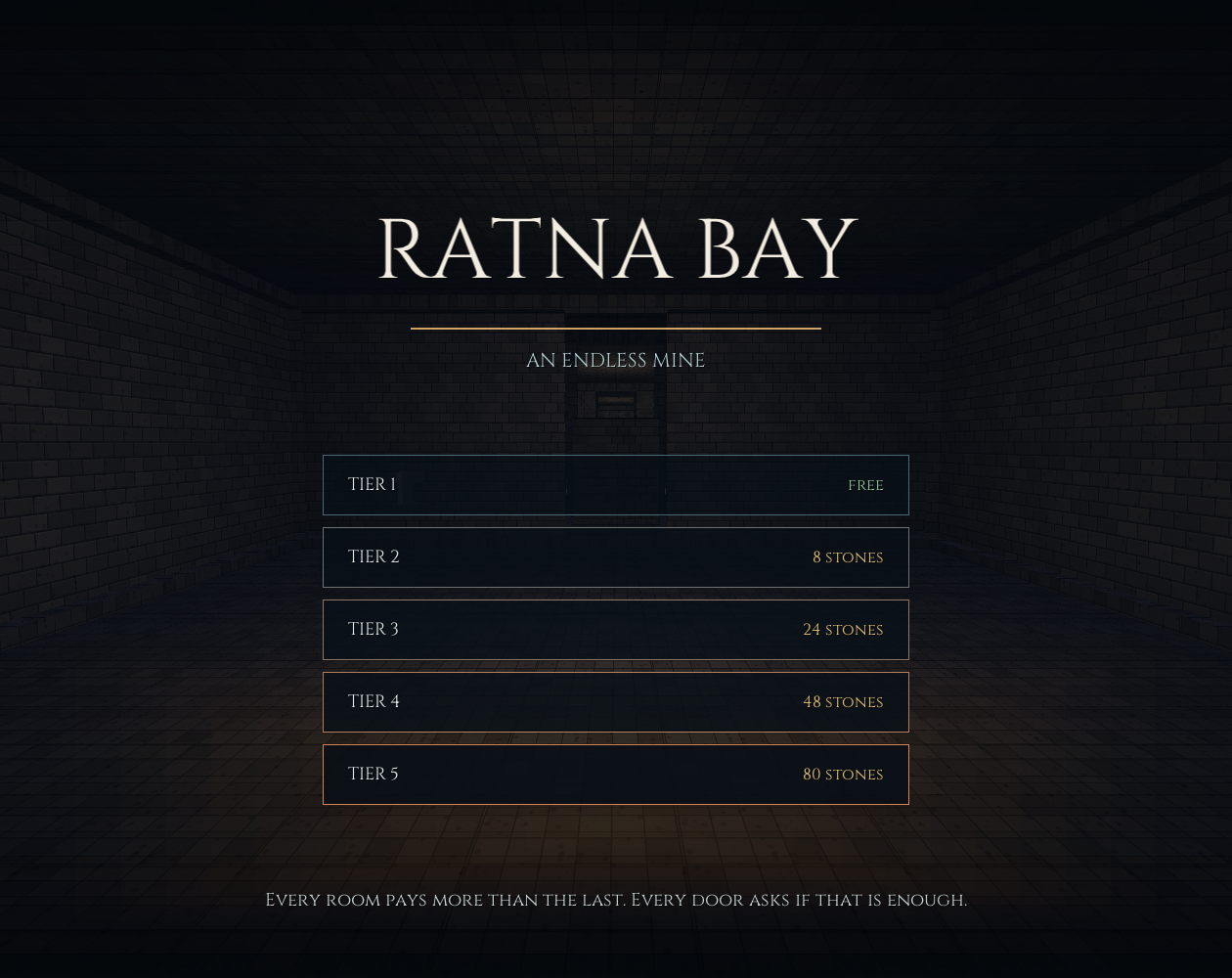
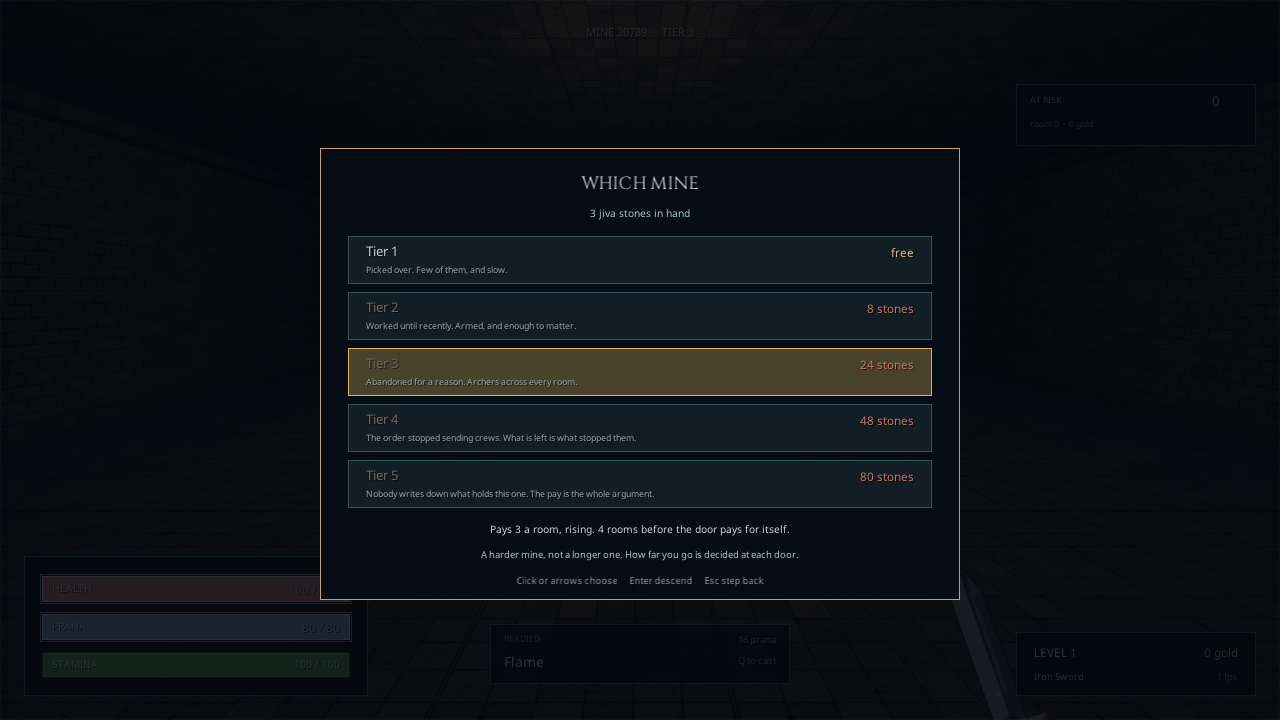
- Buy a mine. The first is free. Harder ones cost the same jiva stones you go down to fetch — 8, 24, 48, 80.
- Clear rooms. Room one pays. Room two pays more. The door does not open while anything in the room is still standing.
- Choose, at every door. Camp and the stones are banked and the run ends. Press on and the next room is worth more — but dying loses the lot.
- Spend what you carried out. On a harder mine, or on gear at the stall. Gear is the only thing a death cannot take from you.
Controls
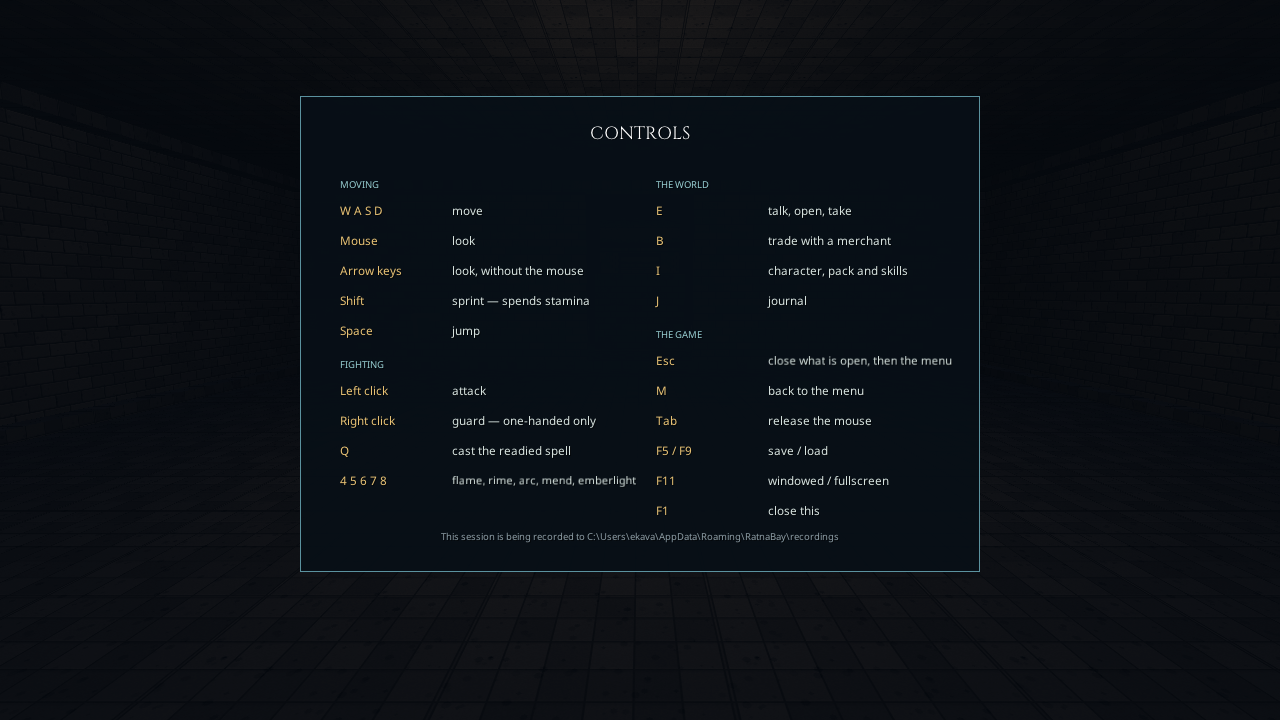
- W A S D move · Mouse look · Shift sprint · Space jump
- Left click attack · Right click guard (one-handed only)
- Q cast the readied spell · 4 5 6 7 8 choose which one
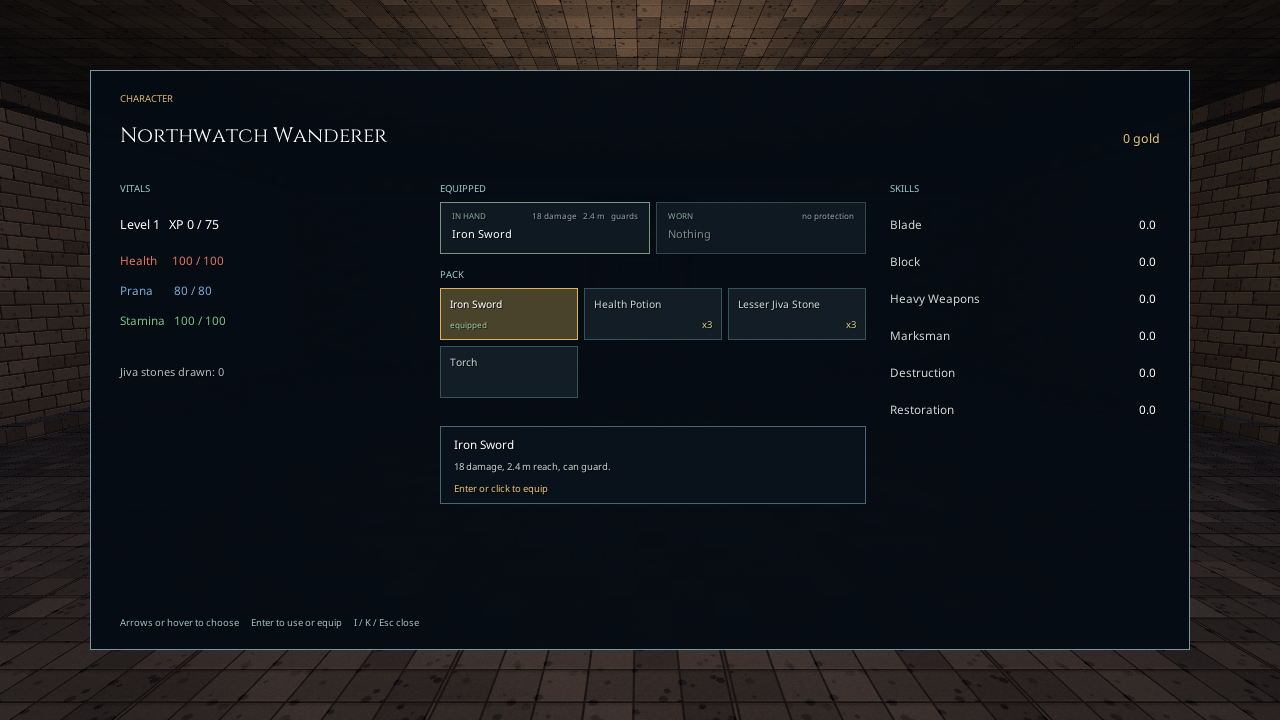
- E talk, open, take · I character and pack · B trade · J journal
- F1 full controls · Tab release the mouse · Esc back · F5 / F9 save and load
Before you start
Windows 10 or 11, 64-bit. No installer and no .NET download — the runtime is bundled. If you take the zip rather than the itch.io app, extract it properly before running RatnaBay.exe; running from inside the zip preview will fail. Windows SmartScreen will warn you because the build is not code-signed. Full notes are under Install instructions.
A note on recordings
The game asks once, on first launch, whether it may send anonymous recordings of how you played — where you went, what you fought, how long you spent at each door. It is a straight yes or no. Nothing is sent if you decline, and the game plays exactly the same either way.
There is no account, no email, no name, and no IP logging. Each install gets a random identifier and nothing else.
Credits
- Almost all of the art is generated in code — the masonry, the props, the weapons, the risen dead, and every face in the fort. There is not an image file for any of it. If it looks odd to you, the form has a question about exactly that
- A handful of imported models: Kenney (CC0) and Poly Haven (CC0)
- Fonts: Google Noto, Cinzel
- Audio synthesised at runtime as well — there is not an audio file either
- Code and text drafted with Claude, hand-reviewed and hand-tested
Download
Install instructions
Windows 10 or 11, 64-bit. No installer and no .NET download — the runtime is bundled.
- Download the zip and extract it. Extract it properly — right-click, Extract All. Running straight out of the zip preview will fail, because the game needs the files next to it.
- Run RatnaBay.exe from the extracted folder.
Windows will warn you. This is expected.
You will see "Windows protected your PC" from SmartScreen. That warning means the executable is not code-signed, which is true — a signing certificate costs a few hundred a year and this is a free alpha.
To run it anyway: click More info, then Run anyway.
If you would rather not, that is a completely reasonable call and I would rather you skipped it than clicked through a security warning on my say-so. Installing through the itch.io desktop app avoids the prompt.
Where it puts things
Saves, settings, and recordings live in %APPDATA%\RatnaBay. Paste that into the address bar of any Explorer window to open it.
Nothing is written to Program Files, nothing is added to the registry, and nothing runs at startup. To uninstall: delete the folder you extracted, and delete %APPDATA%\RatnaBay if you want the saves gone too.
If it will not start
- It opens and closes instantly. Almost always an incomplete extract. Delete the folder and extract the zip again.
- An error about a missing DLL. Same cause — a file did not make it out of the zip. Some antivirus tools quietly quarantine files mid-extract; check the quarantine log.
- A black window, or it will not go fullscreen. Press F11 to toggle windowed mode.
- Anything else. Tell me your Windows version and what you saw. If the game got as far as the menu, there will be a recording of the session in
%APPDATA%\RatnaBay\recordings— attaching the newest one tells me far more than a description can.
Controls, if you want them before you start
W A S D move, mouse look, left click attack, right click guard, E interact, I your pack, Q cast. Press F1 in game for the full list, and Tab to release the mouse.
The game explains itself as you go. You should not need to read anything before playing.
Leave a comment
Log in with itch.io to leave a comment.